
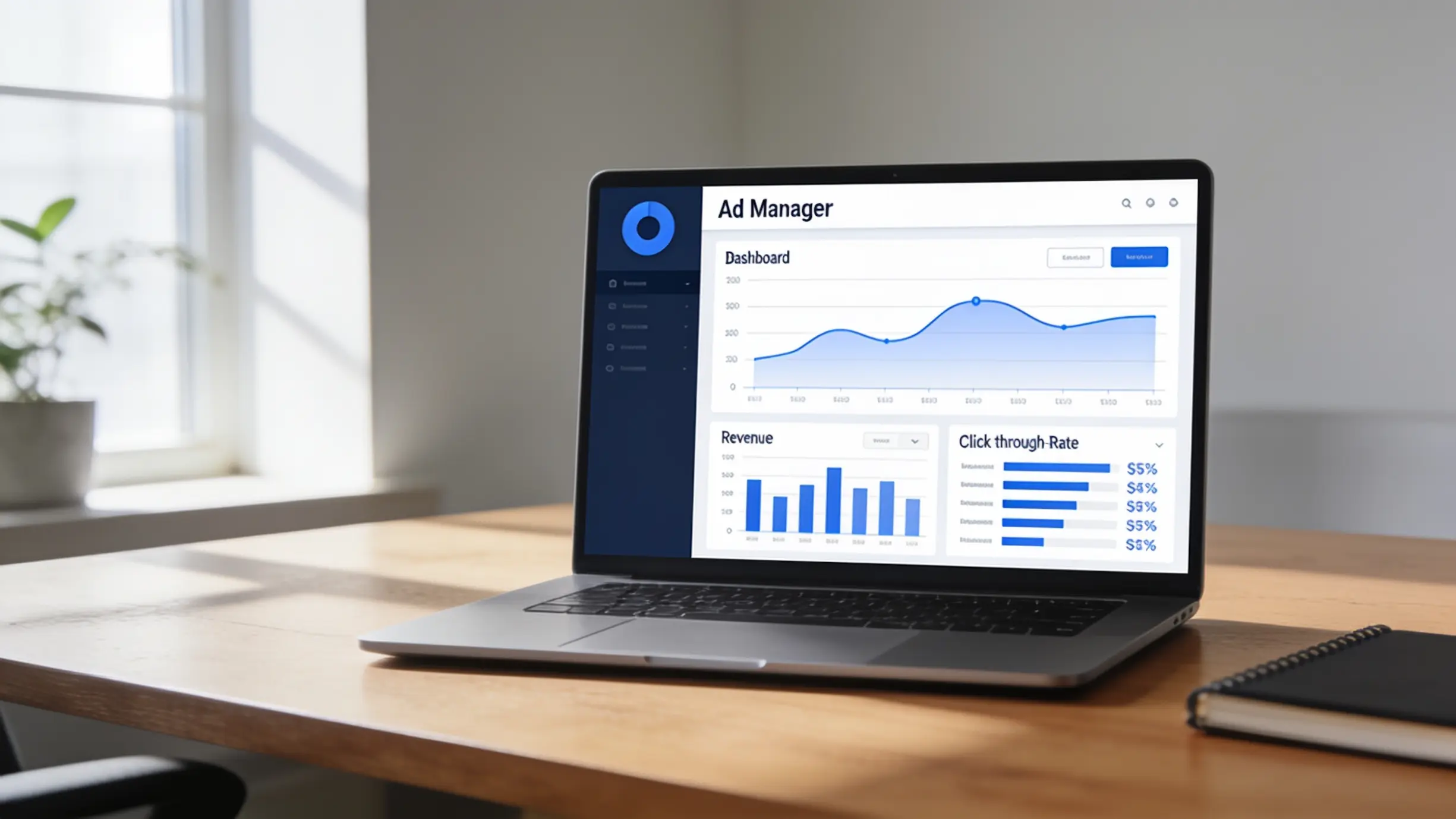
Two years ago I was refreshing my AdSense dashboard every single morning like it was a slot machine. Some days it showed $4. Some days $11. One glorious Tuesday it hit $38 and I texted my brother like I’d won the lottery. Then the next day it dropped back to $6 and I felt like an idiot for getting excited.
That whole cycle got old fast. Checking, hoping, refreshing, getting disappointed. It ate way more of my time than the actual work of running the site. That’s when it hit me. I wasn’t running a business. I was babysitting a website. So I spent the next few months figuring out how to make the whole thing run with a lot less hand holding from me. Not zero effort. I want to be honest about that. But way less.
This isn’t a “quit your job in 30 days” post. It’s what actually worked for me, what wasted my time, and how you can skip the mistakes I made.
Let’s get one thing straight first
“Passive income” with AdSense doesn’t mean you write nothing and money falls from the sky. It means you do the work up front. The content, the structure, the systems. Then later, traffic and earnings keep ticking along without you personally publishing every single day.
Think of it like planting a fruit tree. You dig, you plant, you water it for a while. Eventually it just produces fruit on its own, with a bit of maintenance here and there. That’s the real version of AdSense automation. Anyone promising a magic autopilot button that needs zero upkeep is selling you something.
Step 1: Pick a content system, not just a niche
Everyone tells you to “pick a profitable niche.” Fine, sure. But the bigger lesson I learned was that the niche matters less than whether you can build a system around it.
I started a site about budget travel gear. Good niche, decent ad rates. But every article needed me to personally test products. I was the bottleneck. Nothing about that scales without me.
My second site explained tech concepts in plain English. Stuff like “what is a VPN” or “how does cloud storage actually work.” That topic didn’t need me to physically test anything. I could research, write, and move on. It grew a lot faster because the content pipeline wasn’t stuck waiting on me to unbox a backpack.
Lesson: pick something where the research to publish process can eventually be handed off or templated.
Step 2: Build a repeatable content engine
Here’s roughly what my workflow looks like now. This is the part that actually made things feel “automated.”
- Keyword batching. Once a month I sit down with Google Keyword Planner and Ubersuggest and pull 30 to 40 topic ideas at once, instead of hunting for one idea a day. Doing it in a batch saves a stupid amount of mental energy.
- Outline templates. I built one simple outline (intro, problem, solution steps, FAQ, wrap up) and reuse it for every article. Not creative. But consistent. And consistency is what search engines and readers both like.
- Writing with AI help, then editing hard. I use tools like Claude or ChatGPT to get a first draft moving faster. But raw AI output reads stiff and generic. So I rewrite chunks in my own voice, add real examples, and fact check anything specific. Google has gotten stricter about low effort AI content. Skipping this step is a real risk to your site.
- Scheduling in bulk. I write 8 to 10 posts in a batch, then use WordPress’s built in scheduler to space them out over a month. This is the actual “autopilot” part. I’m not touching the site daily. It just publishes on the calendar I set weeks earlier.
- Ad placement automation. Instead of manually placing ad units on every new post, I use Ad Optimization (Auto Ads) inside AdSense. It places units automatically based on Google’s own testing. I was skeptical at first because I like control. But it performed better than my manual placements once I checked the numbers over a month.
Step 3: Let plugins and tools carry the repetitive load
A few tools that actually pulled their weight for me.
- Rank Math or Yoast SEO. Handles the on page SEO checklist stuff, meta descriptions, readability, internal linking reminders, so I’m not double checking every post by hand.
- UpdraftPlus. Automatic backups. Sounds boring until your site gets hacked or a plugin update breaks something. Then it’s the only reason you don’t lose six months of work.
- Google Search Console. Not exactly automation, but I set a weekly email digest so I get notified of crawl errors or indexing issues without logging in daily.
- IFTTT or Zapier. I use these to auto share new posts to my Pinterest and Twitter accounts the moment they go live. Keeps a small trickle of traffic coming in without me lifting a finger after I hit publish.
- Buffer. Queues social posts for weeks at a time. This matters more than people think, because a chunk of my early traffic, before SEO kicked in, came from social referrals, not search.
None of these tools “does the job for you.” What they do is take away the fifteen small manual tasks that eat your week if you handle them one by one. Quick note, I don’t have any paid partnerships with the tools above. They’re just what I actually use day to day.
The mistakes that cost me real time and money
Mistake 1: I automated too early. I tried to build a “hands off” content pipeline before I even had 20 solid articles up. Automation multiplies whatever system you already have. If your system is weak, you just get a faster version of a weak site. Get real traction first, then automate.
Mistake 2: I trusted AI content without editing it. Early on I published a batch of barely edited AI drafts to save time. Traffic actually dropped over the following weeks, and a few pages got flagged as thin content in Search Console. Google’s guidance is clear that content needs to show real experience and usefulness, not just fill a page with words. Lesson learned the expensive way.
Mistake 3: I ignored page speed. All the scheduling automation in the world doesn’t matter if your site takes 6 seconds to load and people bounce before the ad even renders. I finally ran my site through Google PageSpeed Insights, found a bloated image plugin was the culprit, switched to ShortPixel for compression, and my bounce rate got noticeably better within a couple weeks.
Mistake 4: One traffic source, zero backup. For a while almost all my traffic came from Google search. Then an algorithm update hit and my earnings dropped close to 40 percent in a matter of days. Now I keep Pinterest, an email list through ConvertKit, and a small YouTube channel feeding traffic in too. So no single source can wreck my month.
Mistake 5: Clicking my own ads to “test” them. Don’t do this. Ever. Even accidentally clicking your own ads a few times can get flagged, and AdSense does not mess around with policy violations. Suspensions over exactly this kind of thing happen a lot and are often permanent. Use AdSense’s own preview tools, or ask a friend to check the ad’s appearance for you, instead of clicking anything yourself.
What “automated” actually looks like on a normal week now
Most weeks, here’s my real time investment. About two hours checking analytics and Search Console. Maybe three hours writing or editing one or two posts. Thirty minutes glancing at AdSense reports to see which pages earn well, so I can write more like them. That’s it. The scheduled posts publish themselves. The social shares go out automatically. The ads place themselves.
It’s not zero work. It’s closer to running a small garden than flipping a switch. But compared to my old routine of refreshing the dashboard five times a day, it feels like a completely different life.
Final thought
If you go into this expecting a magic hands free income machine, you’re going to be disappointed, and probably tempted to cut corners that hurt your site in the long run. But if you understand that “automation” really means removing the repetitive stuff so your time goes toward the parts that actually need a human, it works. My AdSense income didn’t explode overnight. It just got boringly consistent. And honestly, boring was exactly what I wanted.